





Official Webtoon & Manhwa Sites: Where to Read Raws and Licensed Releases
Where Korean webtoon raws officially come out, which legal global platforms carry licensed titles, and how to read untranslated chapters in your language.
Manga · Manhwa · Webtoon · Manhua
Open a chapter on its official site in the built-in browser and tap Translate. Speech bubbles are translated in the site's own page, and the artwork stays untouched.
160 free credits on sign-up · No subscription needed
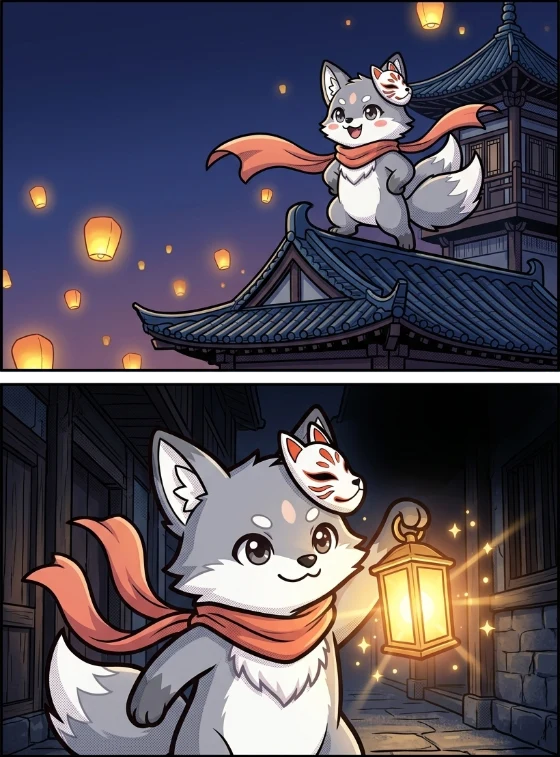
The lanterns are glowing again tonight.
Follow me, I know the way.
How it works
No tapping page by page: the whole chapter is translated at once.
Open Naver Webtoon in the built-in browser, go to the chapter you want to read and tap Translate.
Pick Fast, Standard or High quality. Before the translation starts you see the chapter's approximate credit cost and the balance left after it.
The lettering in the bubbles is removed and the translation is set in the same place, in a comic font close to the original size and colour. Sound effects stay as drawn.
You get a notification when the chapter is ready. A saved chapter opens without internet, and reading it again costs no credits.
Before and after
Drag the slider to compare the original and the translation of a sample panel.
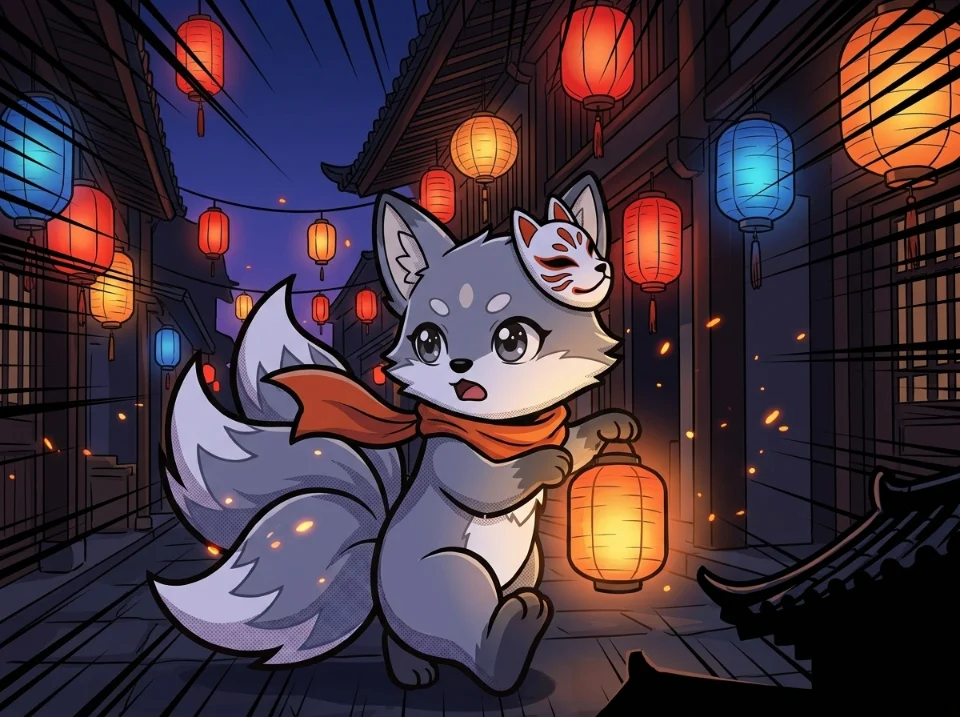
잠깐, 어디 가?
불빛을 따라가.
Wait, where are you going?
Follow the light.
Features
Names and tone stay consistent across a series, and reading is never interrupted.
The translation is shown in the site's page, in place of the original images, not in a separate reader.
Press and hold a page to see the original text, correct a bubble or report a problem. A name can be corrected everywhere in a chapter at once.
Choose in the series settings whether honorifics such as hyung-nim, sunbae or sensei are kept as they are or adapted to the target language.
Fumitoon keeps the names of characters and recurring terms in a glossary for each series, and later chapters use the same names. An entry you edit is locked and the translation won't change it.
Quality modes
The mode is chosen per chapter; the credits per page depend on it.
1 credit per page
The fastest and most economical mode, fine for everyday reading.
5 credits per page
A stronger model that handles context and idioms more naturally.
8 credits per page
The model thinks longer. The most careful mode, for complex stories full of terms.
Credits
Translations are paid with credits. You get free credits on sign-up and every month.

160 on sign-up, 100 every month
When you confirm your e-mail address you get 160 credits, about 2 chapters in Fast mode. Every calendar month after the month you signed up, 100 more credits are added.

Through Google Play
Credit packs and subscriptions (an Unlimited plan with fair use, and plans that add credits every month) are on the way. Prices will be shown in the app; nothing can be bought yet.
If a page can't be translated, its credits go back to your balance on their own. If you stop or delete a chapter, the pages not yet translated are refunded too.
FAQ

Write to us in the app: Account → Help → Send feedback.
Fumitoon is an Android app that uses AI to translate manga, manhwa, manhua and webtoon chapters into Turkish or the language you choose. You open the chapter on its official site in the built-in browser and tap Translate; the translation is shown in the site's own page and the finished chapter is saved on your device.
Fumitoon is coming soon on Google Play. It can't be downloaded yet.
You get 160 credits when you create an account (about 2 chapters in Fast mode) and 100 credits every month after the month you signed up, free. Credit packs and subscriptions are coming soon; their prices will be shown in the app.
Naver Webtoon for now. Kakao Webtoon and Kuaikan are coming soon. The built-in browser opens official sites only; you can't paste an address to go elsewhere.
Fumitoon is made for Turkish first. Other target languages such as English, Spanish and German can be chosen too. The source language is detected automatically.
AI translation can make mistakes. Fumitoon translates every page with the series' context: the characters and terms glossary, a summary of the earlier pages and your honorifics setting. You can correct a wrong bubble yourself or report it.
A chapter is translated in parts; each page costs 1 (Fast), 5 (Standard) or 8 (High quality) credits. Credits are held when the chapter starts and charged when a page is done. A page that fails is refunded automatically, and when you stop or delete a chapter the pages not yet translated are refunded too. Opening the same chapter again is free.
Pages sent for translation stay on the server for at most 24 hours, or 6 hours once the chapter is saved on your device, then they are deleted. Finished chapters stay on your device. Translations are never shared with other users. Details are in the privacy policy.
No. Fumitoon doesn't host or distribute comics; it only translates, for you, the chapter you opened on the official site.
In the app under Account → Delete account, or on the account deletion page. Your account is closed at once and deleted for good with its data after 7 days; signing in and confirming before then cancels the deletion.
Blog
Articles on official webtoon sites, AI translation and reading.
Where Korean webtoon raws officially come out, which legal global platforms carry licensed titles, and how to read untranslated chapters in your language.
Why translating bubble by bubble fails on comics, and how Fumitoon keeps names, honorifics and tone consistent across a series.
How in-page AI translation shortens the wait for translations, and how saved chapters can be read offline.
Android app
Fumitoon is coming soon on Google Play. Once it is out, you can start right away with free credits.